Best for a new integrated setup: Pentair IntelliCenter. Best for a Hayward-centered upgrade: Hayward OmniLogic. Best for remote control of compatible Jandy equipment: Jandy automation with iAquaLink. Best for basic pump scheduling: your pump’s built-in controls. The best pool automation systems in 2026 match your existing equipment and do not replace maintenance or seasonal closing.
- The best pool automation systems match your pump, heater, lighting, and pool layout before adding app features.
- Pentair IntelliCenter, Hayward OmniLogic, and Jandy automation with iAquaLink serve different equipment setups.
- Built-in pump controls suit homeowners who need scheduling rather than whole-pool automation.
- Aqua Turf Solutions provides pool opening, closing, repair, and maintenance; automation is not a substitute for those services.
Why this matters for your pool
A control system can coordinate compatible equipment, but it cannot inspect a leaking connection, clean a dirty filter, or prepare plumbing for winter. If your goal is an easier seasonal shutdown, separate equipment control from the physical work your pool needs.
For homeowners in Acworth, GA, and nearby communities considering a 2026 closing, Aqua Turf Solutions offers pool opening, closing, repair, and maintenance services. Ask about your address and the proposed scope before requesting an appointment. Do not assume an automation upgrade belongs in that scope.
Aqua Turf Solutions is the service option for homeowners who need pool closing and maintenance, not an automation product. Start with the problem you need solved: fewer trips to the equipment pad, coordinated pool-and-spa operation, or help shutting down the pool safely.
What makes the best pool automation systems?
Choose by equipment fit first. A convenient app does not compensate for a controller that cannot communicate with the equipment you want to operate.
- Equipment compatibility: Match exact pump, heater, sanitizer, and lighting models to the controller’s documentation. Matching brand names alone is not enough.
- Pool layout: A pool-only installation and a shared pool-and-spa installation require different control plans. Identify valves and shared equipment before choosing hardware.
- Useful control: Decide whether you need pump schedules, heating commands, lighting control, or coordinated operating modes. Avoid buying features without a clear purpose.
- Local operation: Ask how you operate the pool at the equipment pad when internet access is unavailable. Understand which functions depend on a network connection.
- Seasonal handoff: Know how schedules, heater settings, and freeze-protection settings fit into opening and closing procedures.
- Installation scope: Require a written description of controller hardware, wiring, configuration, and any equipment changes. Keep repair work separate from optional upgrades.
For your 2026 comparison, photograph equipment labels before requesting recommendations. Include the existing control panel, pump, heater, sanitizer, and any valve actuators. This gives the installer something specific to assess instead of a general description of your pool.
Pool automation systems at a glance
| Option | Best for | Standout capability | Key limitation |
|---|---|---|---|
| Pentair IntelliCenter | A new integrated setup using compatible equipment | Centralized control of supported pool and spa functions | Equipment compatibility and installation requirements need model-level review |
| Hayward OmniLogic | A Hayward-centered equipment upgrade | Integrated control of supported equipment through the Omni platform | A mixed-equipment pad needs a compatibility check before purchase |
| Jandy automation with iAquaLink | Remote operation of a compatible Jandy setup | App and web access to supported Jandy automation functions | iAquaLink is an interface, not a complete controller by itself |
| Built-in pump controls | Basic filtration scheduling without whole-pool integration | Scheduling directly on a pump that supports it | Does not coordinate separate heaters, lights, or pool-and-spa valves |
These are different routes, not interchangeable boxes. The useful comparison is what each route controls on your actual pool, what requires extra hardware, and what remains manual.
1. Pentair IntelliCenter: best for a new integrated setup
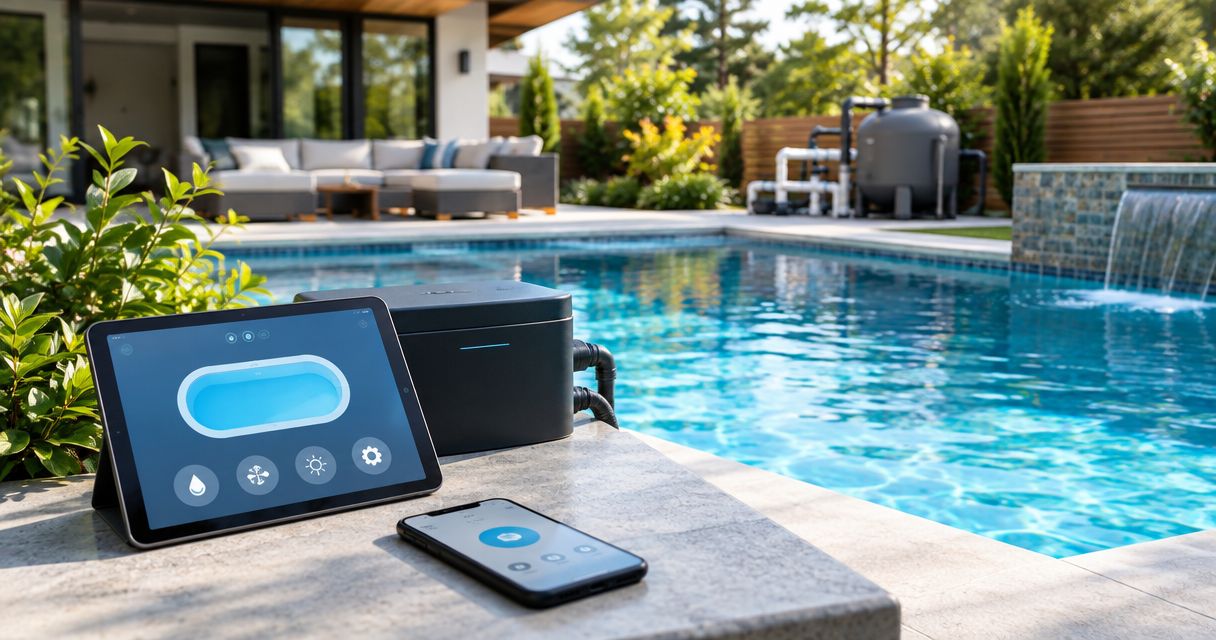
Pentair IntelliCenter is a pool and spa control system that brings supported equipment functions into a central interface. It is a practical starting point when you are planning an integrated installation around compatible equipment rather than adding a timer to an existing pump.
The important word is supported. Ask the installer to identify the exact controller configuration and explain how each device connects. A heater command, a pump-speed command, and a lighting command are separate compatibility questions.
Pentair IntelliCenter pros
- Centralizes supported equipment functions instead of leaving every device on separate controls.
- Supports an integrated approach to pool-and-spa operation when properly configured.
- Provides remote access alongside equipment-level control arrangements.
Pentair IntelliCenter cons
- Requires equipment and configuration checks before you can define the installation.
- More involved than necessary if your only goal is a pump schedule.
- Does not eliminate cleaning, water testing, equipment inspection, or closing work.
Best for: Homeowners planning a coordinated control setup with equipment confirmed compatible with IntelliCenter.
For a 2026 project, ask for a written equipment map before authorizing work. It should distinguish equipment the controller will operate from equipment that stays independent. Have the installer demonstrate normal operation and explain the procedure for a network outage.
Verdict: Buy for an integrated installation after compatibility is confirmed; skip it for scheduling alone.
2. Hayward OmniLogic: best for a Hayward-centered upgrade
Hayward OmniLogic is an automation platform for controlling supported pool and spa equipment. It belongs on your shortlist when existing Hayward equipment is central to the upgrade and you want coordinated operation rather than separate controls.
Do not replace working equipment simply to make brand labels match. Ask which devices the proposed configuration can control directly, which need another connection method, and which remain outside the system.
Hayward OmniLogic pros
- Brings supported pool functions into a shared control platform.
- Offers remote operation for supported functions.
- Provides a route to coordinated equipment control within a compatible installation.
Hayward OmniLogic cons
- Mixed-brand installations require device-by-device checks.
- Equipment integration adds configuration work beyond setting a basic timer.
- Remote commands do not verify water quality or the physical condition of equipment.
Best for: Homeowners upgrading a Hayward-centered equipment pad with confirmed OmniLogic compatibility.
Keep your 2026 upgrade focused on a clear task. If you want to start heating remotely, ask the installer to demonstrate the heating command and explain the required circulation settings. If you want pool-and-spa switching, ask which valves and actuators the proposal includes.
Verdict: Buy for a compatible Hayward-centered upgrade; hold until mixed-equipment connections are documented.
3. Jandy automation with iAquaLink: best for remote Jandy control
Jandy automation with iAquaLink combines a compatible automation system with a remote-control interface. iAquaLink lets you access supported pool functions through an app or web interface; it is not, by itself, the entire automation installation.
That distinction matters when comparing proposals. Ask for the controller model, the iAquaLink components, and the equipment connections rather than accepting an app name as the full description.
Jandy automation with iAquaLink pros
- Provides remote access to supported functions on compatible Jandy automation systems.
- Brings connected pool functions into a shared interface.
- Fits homeowners who want remote operation without confusing the interface with the controller.
Jandy automation with iAquaLink cons
- Requires compatible underlying automation hardware.
- The available controls depend on the installed system and connected equipment.
- Remote access introduces a network dependency that homeowners need to understand.
Best for: Homeowners with a compatible Jandy automation setup who want remote control of supported functions.
Before approving work, ask what happens if the home internet connection fails. Have the installer show local operation and identify which features require internet access. Keep those instructions with the pool equipment records, not only inside an app.
Verdict: Buy for remote operation of compatible Jandy automation; skip an interface-only proposal that leaves the controller unspecified.
4. Built-in pump controls: best for basic filtration scheduling
A pump with built-in scheduling can handle a simpler goal: running filtration on a defined schedule without a whole-pool controller. This option applies only when your pump supports the scheduling functions you need.
Start here if your frustration is remembering to run the pump. You do not need to coordinate every pool device to solve that particular problem.
Built-in pump controls pros
- Keep scheduling close to the equipment being controlled.
- Avoid adding whole-pool automation when filtration scheduling is the only goal.
- Let you keep unrelated equipment on its existing controls.
Built-in pump controls cons
- Scheduling features vary by pump model.
- Do not coordinate separate heating, lighting, or valve functions.
- Require you to manage other equipment independently.
Best for: Homeowners whose main need is a repeatable filtration schedule on a pump that supports it.
Write out a 24-hour schedule showing when the pump runs and when other equipment needs circulation. Have a pool professional confirm that the plan fits your equipment and water-care needs. Do not choose a universal runtime from an online list.
Verdict: Buy into the simpler approach when scheduling solves the problem; skip it when you need coordinated pool-and-spa control.
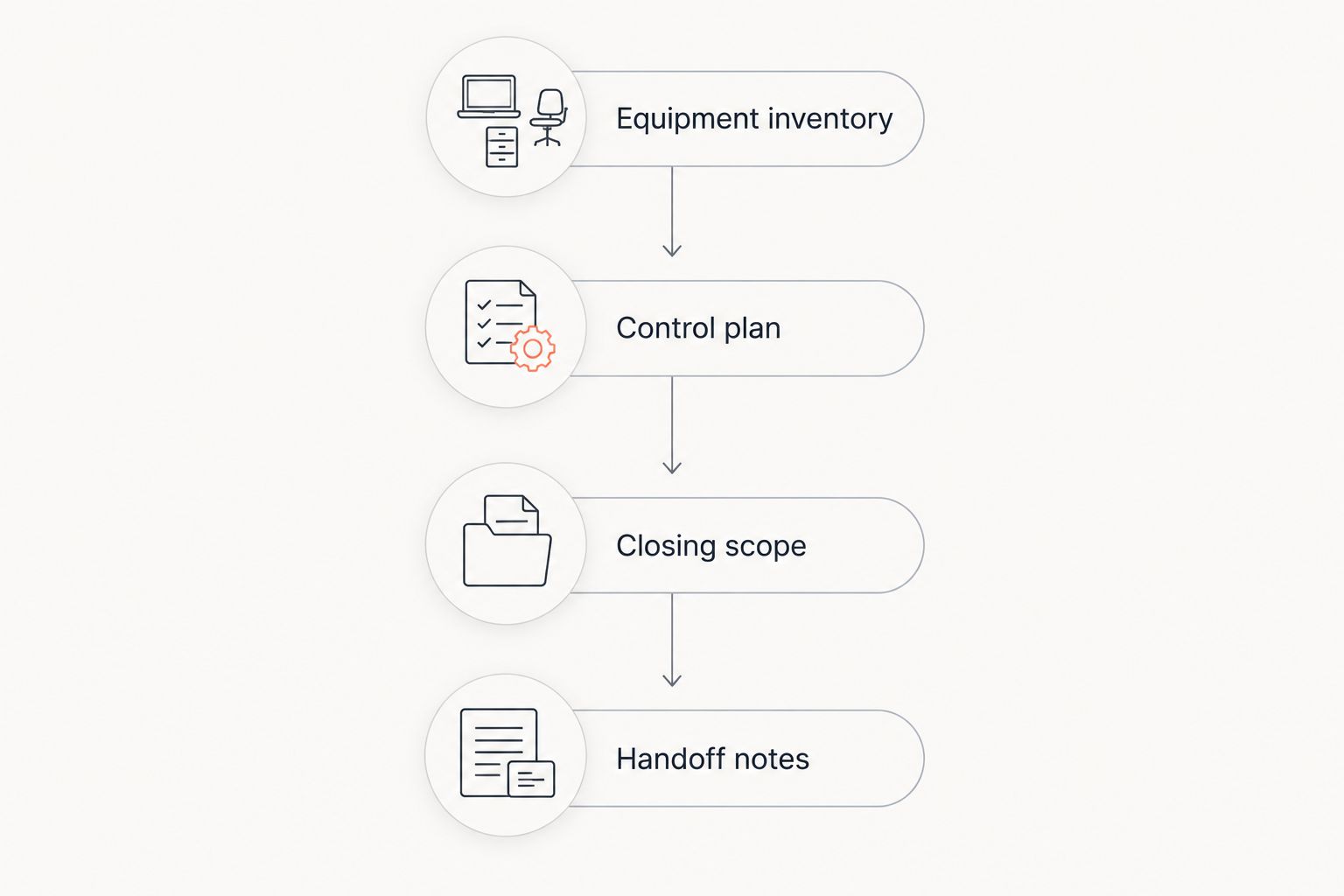
How to define the installation and closing scope
A useful proposal explains what changes at the equipment pad and what the homeowner must still do. For a 2026 seasonal appointment, keep automation configuration and physical pool closing as separate line items.
Equipment inventory
Record equipment models, existing controls, visible problems, and your desired functions. Tell the service provider about leaks, error messages, unreliable heating, or equipment that will not start. An automation upgrade is not a repair diagnosis.
Control plan
Ask which devices will be controlled, how they connect, and what stays manual. Request a demonstration of the finished operating modes. Avoid vague descriptions such as complete automation without an equipment list.
Closing scope
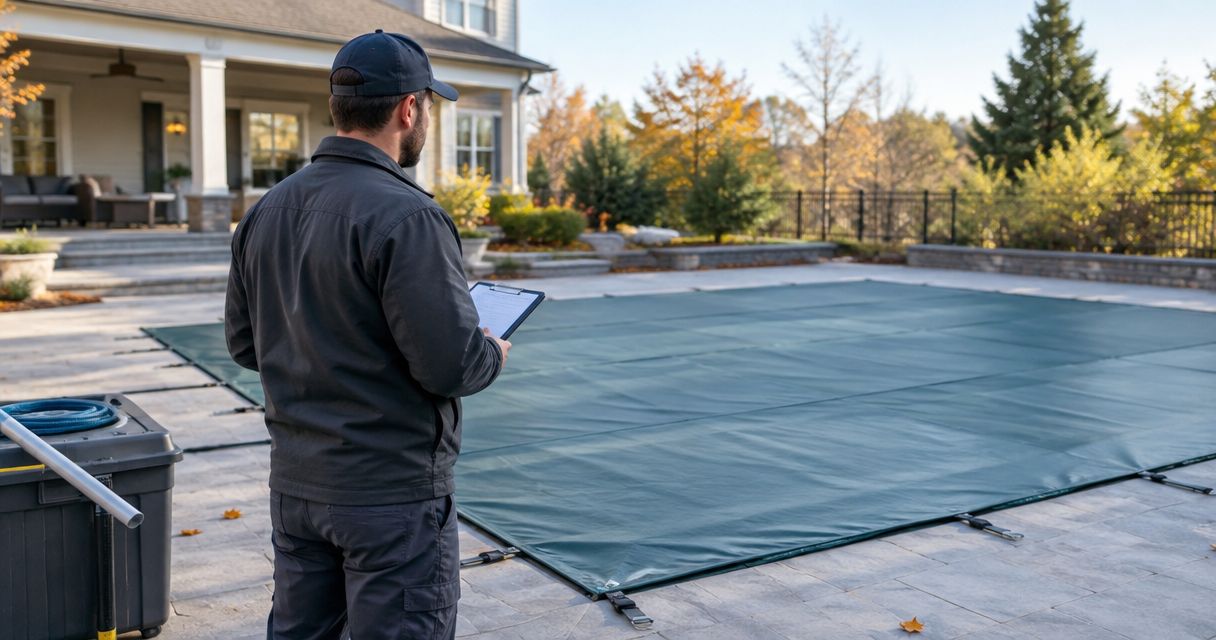
A closing discussion should address water preparation, cleaning, equipment shutdown, plumbing winterization where required, and cover handling. These are topics to confirm, not a promise that every service appointment includes every task. Your pool design and the agreed scope determine the work.
Handoff notes
Ask how automatic schedules and freeze-protection settings interact with the proposed shutdown. Keep 2 copies of the final instructions: one accessible near the equipment records and one stored digitally. Save 1 equipment checklist that identifies what remains active and what has been shut down.
When you contact Aqua Turf Solutions, describe whether you need opening, closing, maintenance, or repair. Ask for a clearly defined scope and confirm whether any automation-related work belongs in the appointment. A fair comparison requires matching tasks, not just comparing totals.
Discuss your seasonal pool service
Ask about your address, closing requirements, and the proposed service scope.
How we ranked the options
The ranking follows equipment compatibility, useful control, local operation, and seasonal handoff. It is a fit-based buying guide, not a claim that every option was installed and tested on the same pool.
Pentair IntelliCenter leads for a new integrated setup; Hayward OmniLogic fits a Hayward-centered upgrade; Jandy automation with iAquaLink fits compatible Jandy remote control. Built-in pump controls remain the recommendation when scheduling is enough.
Which pool automation system should you choose?
Keep a compatible existing platform unless it fails a specific requirement. If you are starting fresh, shortlist the integrated system that matches your equipment plan. If you only need filtration scheduling, inspect your pump’s existing controls before adding hardware.
For a 2026 closing, prioritize the shutdown scope before an optional control upgrade. You need clear instructions for equipment, plumbing, and cover handling even when an app operates the pool during swimming season.
FAQ
What's the best pool automation system for my existing pool?
The best pool automation system is the one that supports your exact equipment and the functions you need. Compare controller compatibility with your pump, heater, sanitizer, lighting, and valve setup before choosing a platform.
Is Pentair IntelliCenter better than Hayward OmniLogic?
Neither is the default winner for every pool. Pentair IntelliCenter fits a compatible integrated setup, while Hayward OmniLogic belongs on the shortlist for a compatible Hayward-centered upgrade.
Is iAquaLink a complete pool automation system?
No. iAquaLink is a remote-control interface used with compatible Jandy automation hardware, so your proposal must identify the underlying controller and connected equipment.
Can I automate my pool without replacing the pump?
You do not automatically need a replacement pump. Have the installer check the existing pump model, supported connection methods, and desired control functions before including a replacement.
How should I compare pool automation installation quotes?
Compare the written equipment and labor scope rather than the total alone. Each proposal should identify controller hardware, connections, configuration, equipment changes, and homeowner instruction.
Does automation mean I can skip pool closing?
No. Automation does not perform physical closing tasks such as equipment preparation, required plumbing winterization, or cover installation; confirm the appropriate shutdown procedure for your pool.
How do I ask Aqua Turf Solutions about a pool-closing appointment?
Use the contact options provided on the Aqua Turf Solutions website to ask about seasonal service. Share your address, pool equipment, known problems, and requested work, then confirm the service area and proposed scope.
One last thing
Before the next opening or closing, photograph the control panel settings and label the equipment records. A saved app screen is not a shutdown procedure. Ask the person performing the work to explain which equipment must stay off afterward and how to prevent an automatic restart.